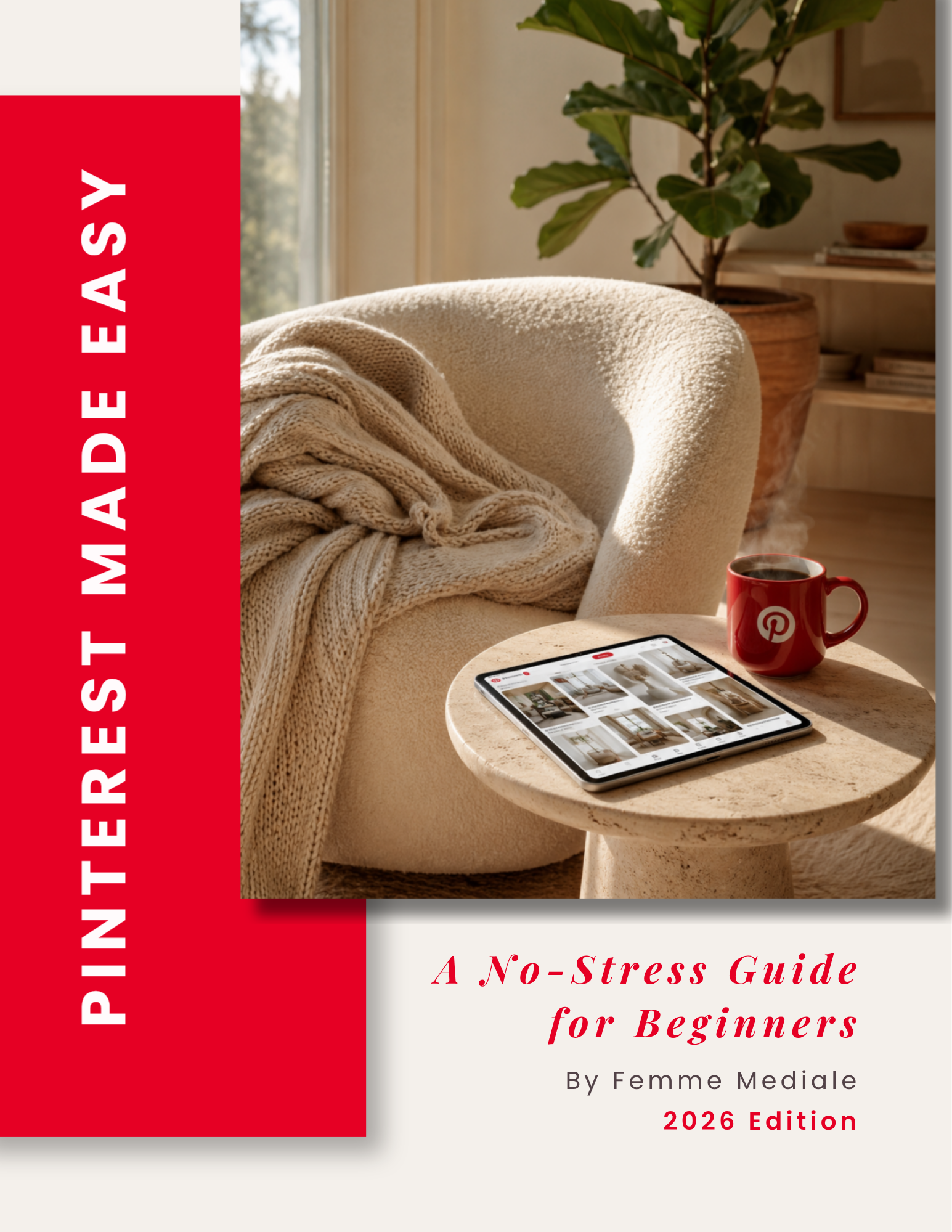
Pinterest Made Easy
A no-stress guide for Pinterest beginners
Pinterest can feel like a lot when you’re just getting started. This guide walks you through the basics step by step, so you know how to set up your account, create your first Pins and start building a simple strategy without overcomplicating it.
What you’ll learn
Set up your Pinterest account properly
Start with the basics and get your business account set up without wondering if you missed something important.
Create boards that actually make sense
Learn how to organize your content into clear, searchable boards instead of guessing what Pinterest wants.
Create Pins people can understand at a glance
Get a simple overview of what makes a good Pin, from the visual to the text that goes with it.
Understand Pinterest SEO without overcomplicating it
Learn how to find real search terms and use them naturally across your profile, boards and Pins.
Build a simple Pinterest strategy
Know what to focus on, what to post and how to create a routine you can actually keep up with.
Know which numbers are worth looking at
Understand the metrics that actually tell you whether Pinterest is helping people find and click through to your content.
Inside the guide
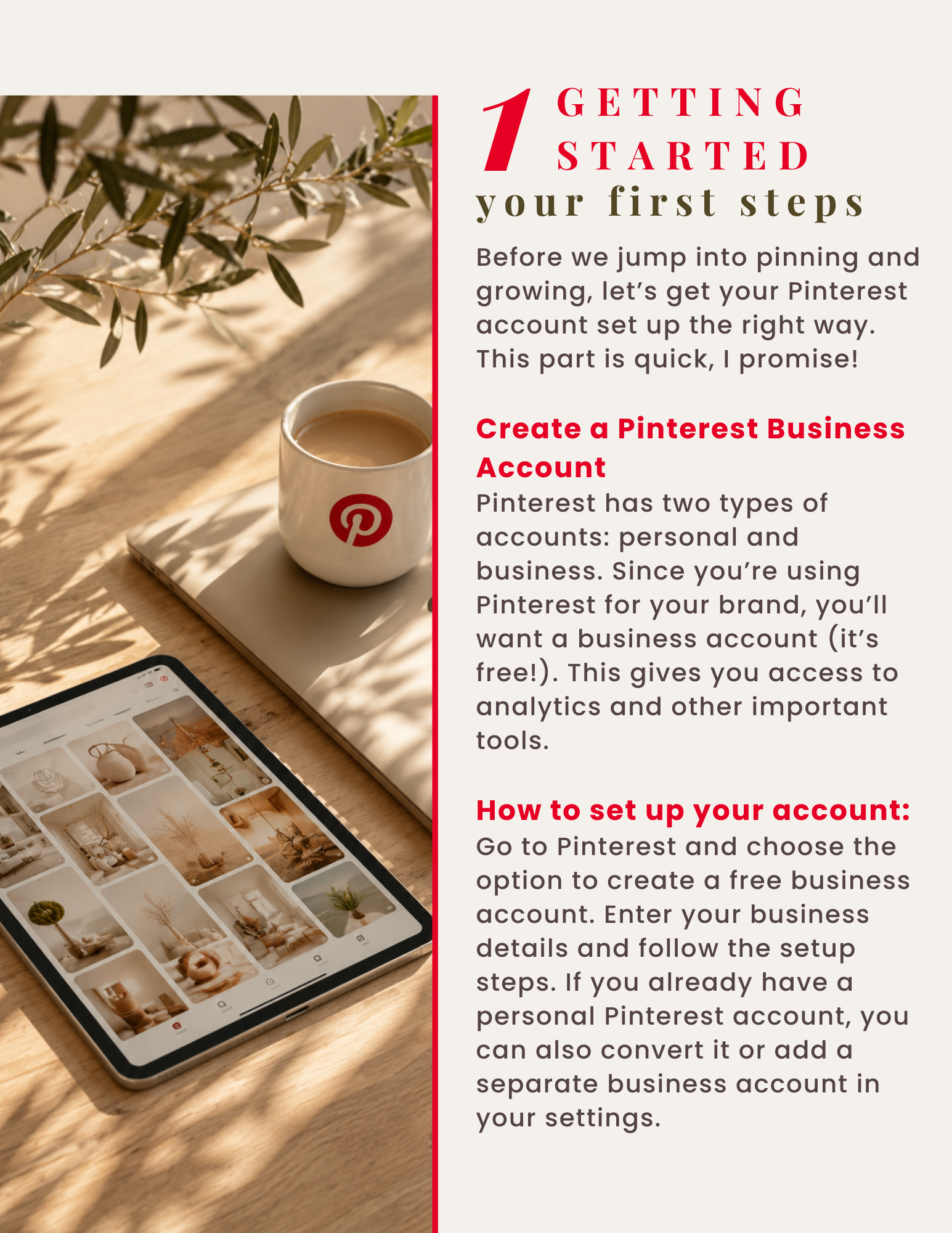


Who this guide is for
You’re completely new to Pinterest
You want to use Pinterest for your business, but you’re not really sure where to start or what you need to set up first.
Pinterest feels more confusing than it should
You’ve looked at Pins, boards, keywords and SEO and somehow ended up with more questions than answers.
You want a clear starting point
You don’t need another huge course. You just want to understand the basics and know what to focus on first.
You want to manage Pinterest yourself
You’re happy to stay hands-on, but you want a simple guide you can come back to whenever you need it.
Personal note
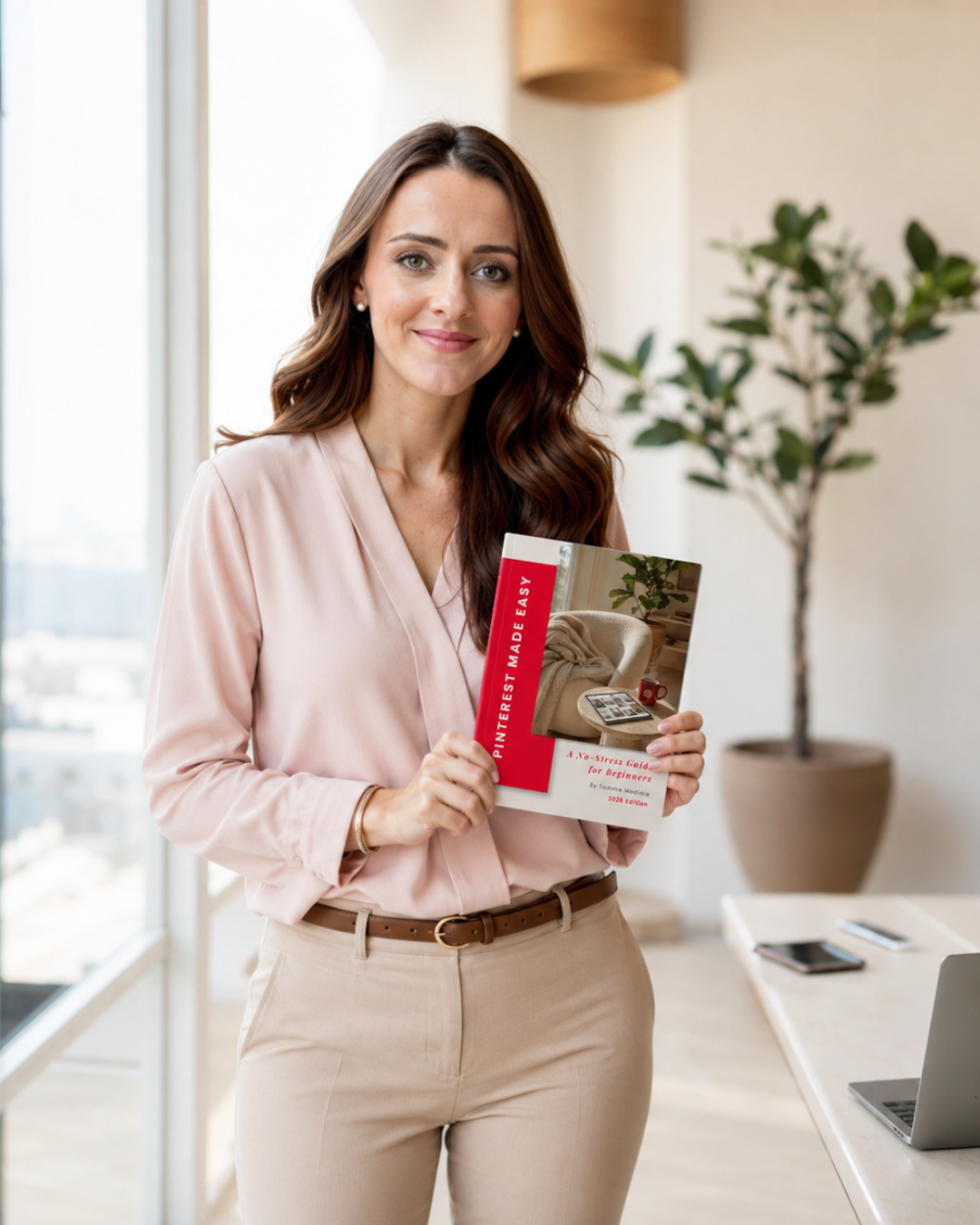
I created Pinterest Made Easy because I know from my own experience how frustrating and confusing Pinterest can feel in the beginning.
It took me a while to understand that Pinterest isn’t just another social media platform. It works much more like a search engine, and once that clicked, a lot of things finally started to make sense.
That’s what I wanted this guide to do for you. Help you understand the basics, see Pinterest a little differently and give you a clearer starting point without making everything feel more complicated than it needs to be.